

Moving from a paper booking book to online booking without confusing your regulars
· 4 min read
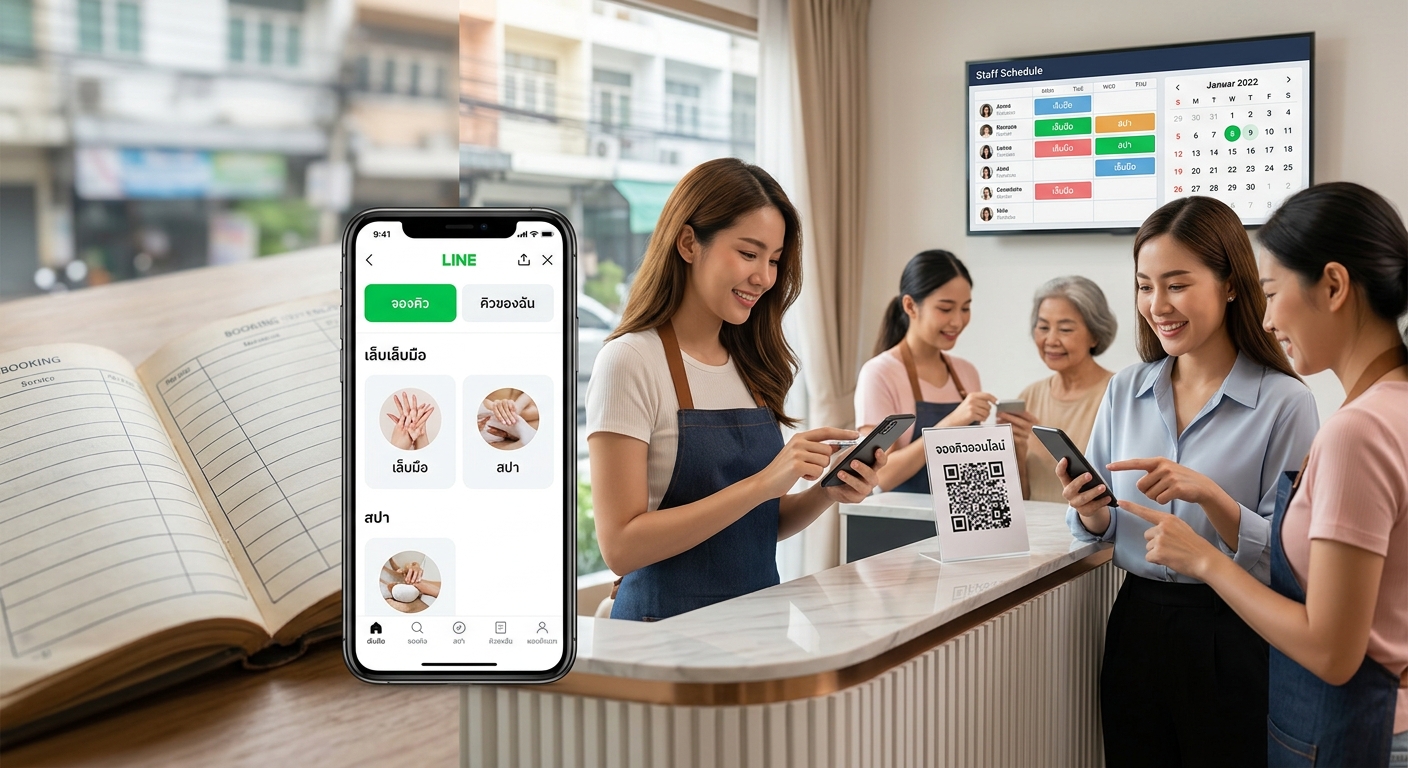
Start by entering every service, price and opening hour, move bookings already made for upcoming days into the system, then tell customers with a booking link through your shop's LINE. At first you can still take bookings by chat, but the shop enters them into the system itself. Within 2–4 weeks most customers get used to it and book on their own.
Days 1–2: Enter your shop's details
- Services and prices. Group them by category, such as hands, feet and spa. Set each service's real duration, since the system uses it to work out open times.
- Opening hours and days off, including long holidays you already know about.
- Staff. If customers can choose who they see, enter each person's schedule.
- Cancellation and deposit policy. Write it clearly now. Customers will see it when they book.
Day 3: Move upcoming bookings into the system
Open your booking book and enter every booking from today onward. Those times are then blocked, so no new customer can book over them. Past bookings don't need to be moved.
Day 4: Get your shop's LINE ready
- Add "Book now" and "My bookings" buttons to the menu at the bottom of the chat
- Set the welcome message to include the booking link
- Put the booking link in your IG and TikTok bio and on your Facebook page
See the details in taking bookings through your shop's LINE OA.
Day 5: Book yourself before announcing it
Have the owner and staff each make 1–2 bookings from their own phones. Check that open times are right, that the confirmation and reminder really arrive in LINE, and try cancelling and rescheduling too.
Day 6: Train your staff
Front-desk staff should be able to do these 3 things.
- See today's and tomorrow's bookings
- Add bookings for customers who phone or walk in
- Reschedule or cancel when a customer asks
Leave price changes and shop settings to the owner.
Day 7: Tell your customers
Send a message to customers in your shop's LINE and put a QR code on the counter. A sample message:
From today you can book with us yourself, 24 hours a day, without waiting for a reply. Tap "Book now" in our LINE menu and choose your service and an open time. We'll send a confirmation and a reminder before your appointment.
At first, some customers will still book by chat
Don't turn them away. Enter the booking for them, and send the booking link along for next time. They get the same confirmation and reminders as customers who book themselves. Most regulars get used to it within 2–4 weeks.
Summary
You can make the switch in one week if you enter your shop's details fully, test booking yourself first, and keep accepting chat bookings alongside it at the start. With MineTurn, our team sets up your shop and a LINE OA in your shop's name for free. See the packages page.