

Taking bookings through your shop's LINE OA so customers book themselves
· 6 min read
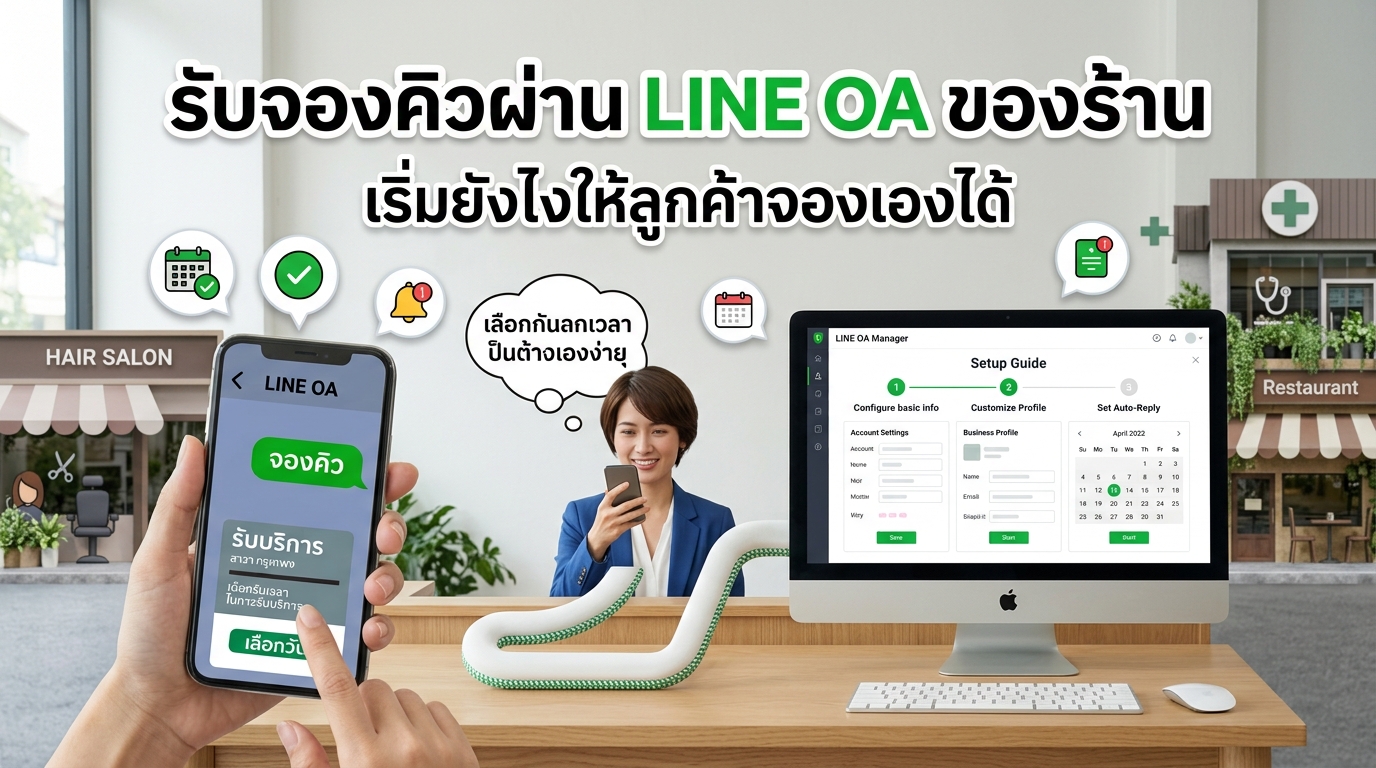
Start by opening a LINE OA in your shop's name, add "Book" and "My bookings" buttons to the rich menu, and set a greeting message with the booking link the moment a customer adds you as a friend. Then let the system send confirmations and reminders automatically, so the chat is left for real questions instead of back-and-forth over free times.
Why a shop LINE OA, not your personal LINE
Many shops start by having customers message the owner's personal LINE. That works while the shop is small, but problems appear as customers grow. A shop LINE OA helps like this:
- Customers belong to the shop, not to one person. If the owner changes numbers or a staff member leaves, the customer list stays with the shop
- Front-desk staff can share the chat, so the owner doesn't have to answer everything on their own phone
- You can send a promotion to every customer at once instead of chat by chat
Back-and-forth chat bookings waste time and cause double bookings
A customer asks if you're free this Saturday. You check the book and reply that 2 pm is open. They ask for 3 pm instead, and you have to check again. One booking takes message after message.
- Staff have to stop working to reply, and the customer in the chair has to wait
- Customers message late at night or when the shop is busy; you reply late, and they may book somewhere else
- When several chats run at once, or more than one person takes bookings, the same time can end up given to two customers
When customers can see free times and book themselves, these problems mostly disappear.
Put booking buttons in the menu and send the link when customers add you
The rich menu is the row of buttons at the bottom of the chat. Customers see it every time they open your shop's chat. It should have at least two buttons:
- Book opens the booking page so customers can pick a service, date and free time themselves
- My bookings lets customers see their appointments and cancel or reschedule themselves
If the booking page opens inside the LINE app, the system pulls in the customer's name from LINE, so they don't have to type it and finish faster.
The moment a customer first adds you as a friend is when they're most interested in your shop. Set your greeting message to explain how to book, with the link. Example wording:
Hello, and thank you for adding our shop as a friend! You can book anytime, 24 hours a day. Tap "Book" in the menu below, or use this link (add your shop's booking link). To check or reschedule an appointment, tap "My bookings". Have a question? Just send us a message.
Bring customers to your shop's LINE from every channel
- Put an add-friend QR code at the counter and on the mirror at the nail table or in the massage room. Customers are already sitting there and can scan right away
- Put your LINE link or booking link in your IG and TikTok bio
- Add the link to your Facebook page
- When a customer has just paid, invite them to add you as a friend for their next booking
Let the system confirm and remind, and keep the chat for questions
As soon as a customer books, they should get a confirmation, plus reminders 24 hours and 1 hour before the appointment. You don't have to message each person yourself. Customers who don't use LINE get email reminders instead.
The LINE OA free plan sends 300 messages a month, enough for about 75–100 bookings. That's plenty to start; if you get more bookings, upgrade your plan with LINE later.
The chat still matters, but keep it for things the system can't answer, such as a photo of the nail design a customer wants, a question about allergies, or a request for a time outside your schedule. If someone messages to ask about free times, a short reply with the booking link is enough.
Summary
Open a LINE OA in your shop's name, add "Book" and "My bookings" buttons, set a greeting message with the booking link, put your QR code and link on every channel, then let the system confirm and remind for you. If your shop doesn't have a LINE OA yet, the MineTurn team opens and sets one up in your shop's name for free.