

PromptPay deposits: how much to charge, for which services, and how to check slips
· 6 min read
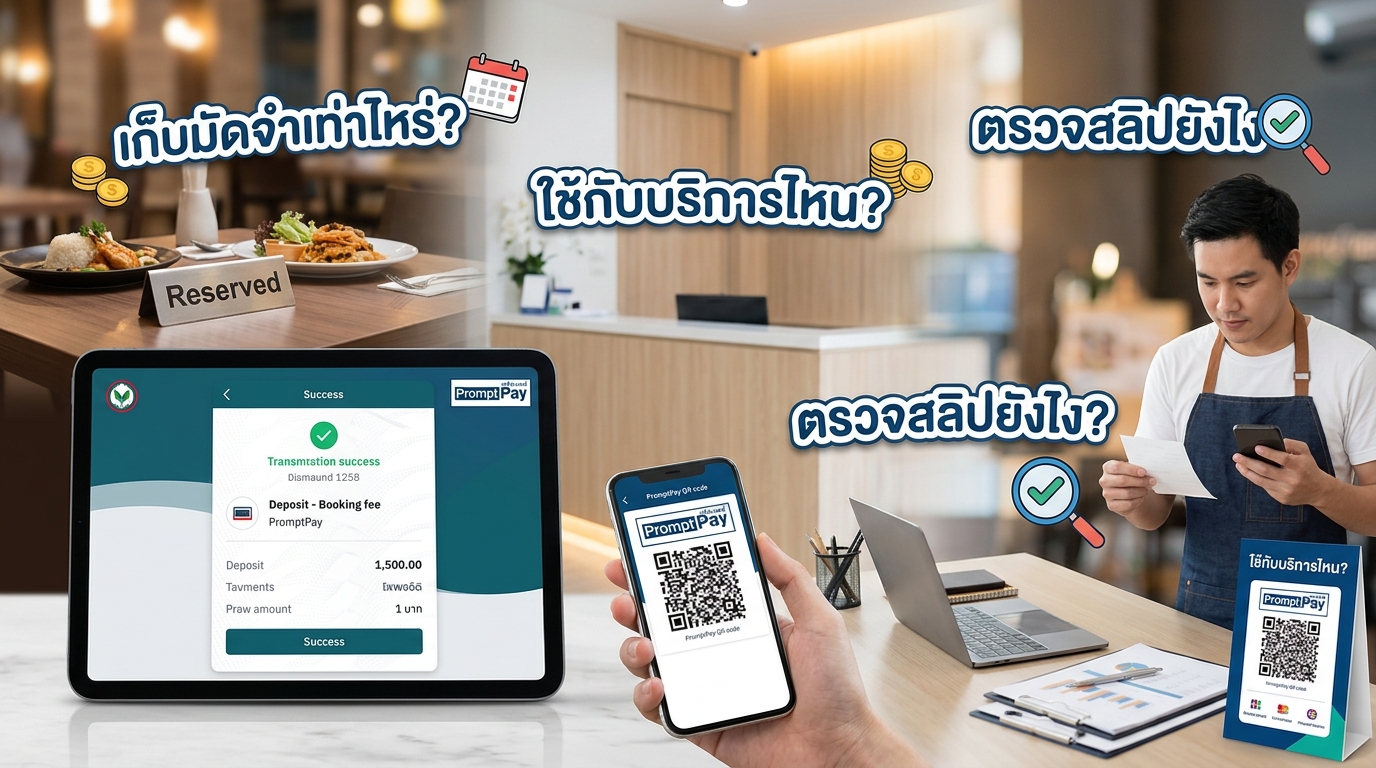
Take deposits only for long services, slots that fill up fast, new customers and customers who have no-showed before. Set about 20–30% of the price or a fixed amount such as 200 baht, and deduct it from the bill on the day. Before confirming any booking, open the shop's bank app and check the money actually arrived; never rely on a slip image alone.
Which services need a deposit
A deposit protects the bookings that cost the shop the most when a customer doesn't show up. You don't need one on every booking. Use it only for:
- Long services, such as nail extensions, full-hand nail art or a 2-hour spa package
- Slots that fill up fast, such as Friday evenings, weekends and the days before a long holiday
- New customers
- Customers who have no-showed before
Regulars who always turn up on time, or short services you can easily fill with a walk-in, can skip the deposit. Good customers will feel the shop trusts them.
How much to charge
There are two common approaches:
- A percentage: about 20–30% of the service price. Suits shops whose service prices vary a lot
- A fixed amount: for example 200 baht for every service that needs a deposit. Easy to explain and easy to check
Don't set it so high that customers hesitate to book. If you use a percentage, round it to a simple number so the amount is quicker to check.
Most importantly, deduct the deposit from the bill and make it clear that the deposit is part of the price, not an extra booking fee. For example: a 1,000-baht service with a 300-baht deposit means the customer pays another 700 baht on the day.
State the rules at booking time
Customers accept terms they hear before paying far more easily than terms they hear about afterwards. Agree on three things:
- Rescheduling: free up to 24 hours before the appointment, with the deposit carried over to the new booking
- Late cancellations or no-shows: for cancellations within 24 hours or no-shows, the shop keeps the deposit
- When the shop reschedules or cancels: refund the deposit in full, or let the customer carry it over to a new booking
Set a payment deadline too. If the customer doesn't transfer in time, release the slot to someone else. Example wording:
Please transfer a 200-baht deposit via PromptPay within 30 minutes to confirm your booking. The deposit is deducted from your bill on the day. You can reschedule for free up to 24 hours before your appointment, and the deposit carries over to the new booking. For cancellations within 24 hours or no-shows, the deposit is non-refundable.
How to check slips without getting scammed
Fake slips and slips with edited amounts do exist. A slip image does not prove the money reached the shop's account. Before confirming any booking:
- Open the shop's bank app and look at incoming transfers
- Compare the amount, time and sender's name with the slip. The amount must match exactly and the time should be close
- Check that this transfer hasn't already been used to confirm another booking, to catch old slips sent again
- If you can't see the money yet, don't confirm the booking. Ask the customer to check again
Record the deposit against the booking and send a receipt
Once the money has arrived, note straight away how much the deposit was, when it came in and which booking it belongs to. On the day, you deduct the right amount, and if the customer reschedules, the deposit carries over without digging through the chat for the slip.
Then send a receipt or a message confirming you received the deposit, so the customer knows the slot is theirs.
With MineTurn, customers scan a PromptPay QR at booking and the money goes straight to the shop's account with no fees. The customer attaches the slip, the shop checks the amount in its bank app, confirms in the admin panel, and sends the customer a receipt via LINE.
Summary
Take deposits only for bookings where a no-show hurts the most, set an amount customers are willing to pay, deduct it from the bill, and state the rules at booking time. For slips, always go by the incoming transfer in the shop's bank app.